


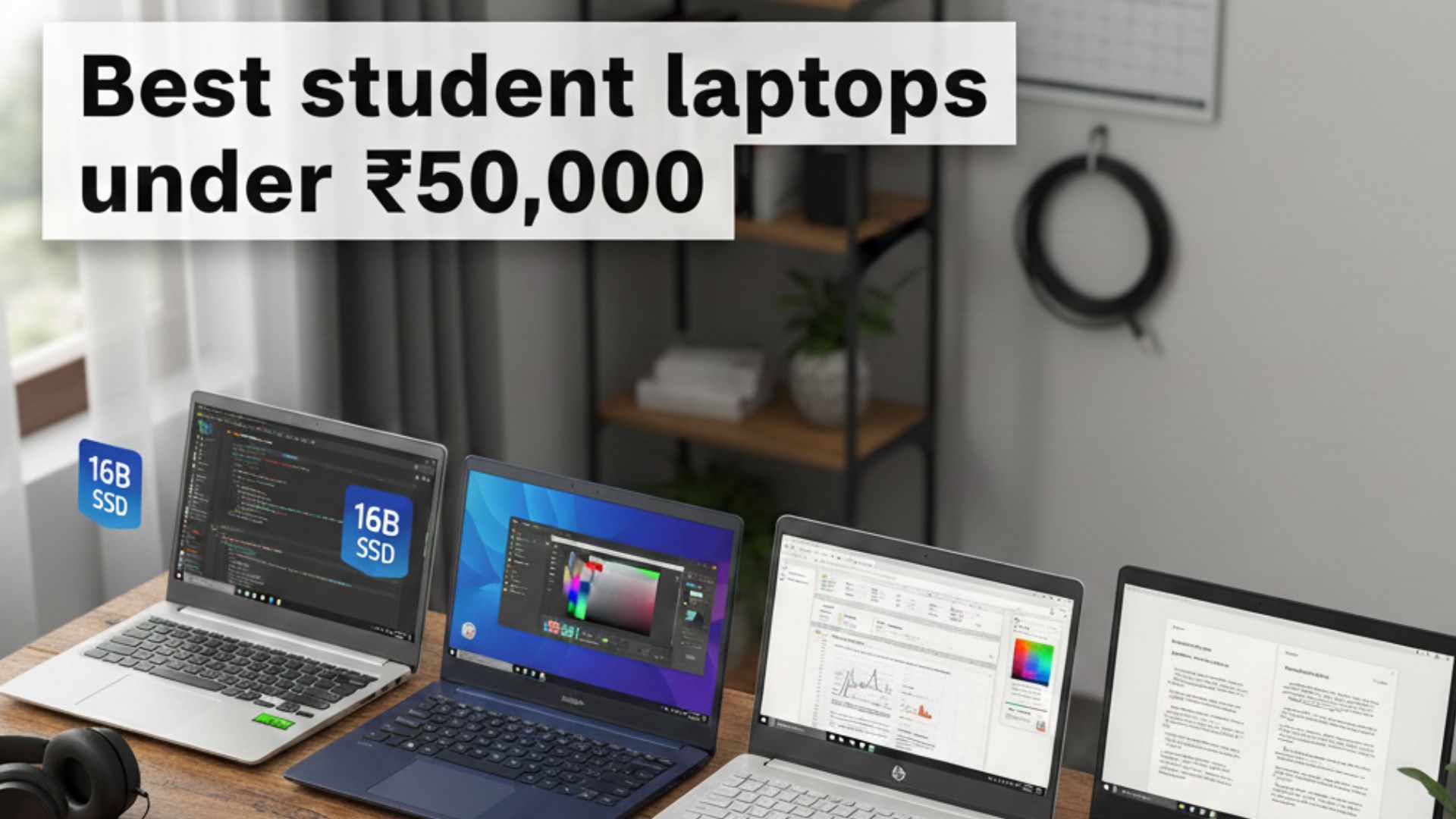
Finding the right laptop as a student in 2026 involves more than just a brand name; it’s about making sure the device can manage the changing world of AI-based learning, heavy multitasking, and long-lasting use. Best Student Laptops Under ₹50,000 in india range has evolved from “entry-level” to “performance-oriented,” with high-speed SSDs and 16GB RAM becoming standard features. This guide explores the best options for students, focusing on their academic needs.
The 2026 Student Standard: Minimum Specs to Look For
Before examining specific models, it’s important to understand the necessary specs for a laptop in 2026. Academic software demands more power than ever, and a laptop that lags now will not be usable by your third year of college.
Processor (CPU): Look for at least a 13th Gen Intel Core i3 or an AMD Ryzen 5 (7000 Series). For demanding tasks like engineering software or video editing, consider upgrading to an Intel Core i5 (12th Gen H-series) or Ryzen 7.
RAM: 16GB is the new minimum. Browsers like Chrome and various AI tools use a lot of memory, so 16GB ensures your system runs smoothly even with 20+ tabs open and a Zoom call going.
Storage: A 512GB NVMe SSD is essential. If you work with large project files, consider models with 1TB SSDs, which are now available in this price range.
Display: Make sure it is Full HD (1920 x 1080). If you can find an OLED or a 120Hz refresh rate screen, go for it—it will significantly reduce eye strain during long study sessions.
Top 5 Student Laptops Under ₹50,000 in India (2026)
- Acer Aspire Lite (The Spec King)
Acer leads the value segment by offering hardware that typically costs ₹10,000 more. The Acer Aspire Lite is the top-selling model for students who need power.
Key Specs: AMD Ryzen 5-5625U or Intel Core i5-12450H, 16GB RAM, 1TB SSD.
Performance: The 1TB SSD is rare at this price, providing ample space for lecture recordings and software. The i5-12450H variant is especially strong for CS students running virtual machines or compilers.
Design: It has a premium metal cover and weighs only 1.59kg, making it very portable.
The Verdict: Best for students looking for the highest specs for their money. - ASUS Vivobook Go 15 OLED (The Visual Master)
For students in design, marketing, or those who watch a lot of videos, the display is crucial. ASUS brings their top-of-the-line OLED technology to the budget segment.
Key Specs: AMD Ryzen 5-7520U, 16GB LPDDR5 RAM, 512GB SSD, FHD OLED Display.
Display Brilliance: The OLED panel covers 100% of the DCI-P3 color gamut and offers 500 nits brightness. This results in vibrant colors and true blacks, ideal for digital art or binge-watching Netflix.
Durability: Surprisingly, this slim laptop meets US MIL-STD 810H military-grade standards, protecting it from occasional drops.
The Verdict: Best for creative students and media fans. - HP 15s-fq Series (The Reliable All-Rounder)
HP is a trusted name in India for a reason: it offers balance. The HP 15s may not be the flashiest, but it’s highly reliable.
Key Specs: Intel Core i3-1315U (6 Cores) or Ryzen 5-5500U, 8GB/16GB RAM, 512GB SSD.
Typing Experience: The HP 15s features a full-sized keyboard with a numeric keypad. The tactile feedback is better than most budget laptops, making it ideal for long research papers or coding.
Fast Charging: Their “HP Fast Charge” boosts the battery to 50% in about 45 minutes, perfect for when you realize your laptop is dead just before a lecture.
The Verdict: Best for students in commerce, humanities, and general academic settings. - Dell Inspiron 3535 (The Smooth Operator)
Dell’s 3535 series focuses on user experience and reliability.
Key Specs: AMD Ryzen 5-7530U, 16GB RAM, 512GB SSD, 120Hz Refresh Rate.
The 120Hz Advantage: While most budget laptops have 60Hz screens, Dell’s 120Hz display makes the interface feel fluid. Scrolling through long PDFs or websites is much smoother, reducing eye strain.
Service Network: Dell’s onsite warranty in India is among the best. If you encounter a hardware issue, a technician typically visits your location within 24-48 hours.
The Verdict: Best for students who prefer a smooth experience and peace of mind for repairs. - Lenovo IdeaPad Slim 3 (The Balanced Choice)
The IdeaPad Slim 3 perfectly balances portability and performance.
Key Specs: Intel Core i3-1315U or Ryzen 5-7520U, 16GB RAM, 512GB SSD.
Privacy Features: It includes a physical webcam privacy shutter, an important feature for students in shared dorms or taking frequent online classes.
Smart Features: Lenovo’s AI Engine optimizes battery life and thermal performance based on usage—saving power for reading and boosting fans during heavy tasks.
The Verdict: Best for students seeking a modern, smart laptop with strong privacy controls.
Comparing the Top Contenders
| Laptop Model | Primary Strength | Processor | RAM/Storage | Weight |
|---|---|---|---|---|
| Acer Aspire Lite | Maximum Value | Core i5-12th Gen | 16GB / 1TB SSD | 1.59 kg |
| ASUS Vivobook Go | Best Display | Ryzen 5-7520U | 16GB / 512GB SSD | 1.63 kg |
| HP 15s | Best Keyboard | Core i3-13th Gen | 16GB / 512GB SSD | 1.69 kg |
| Dell Inspiron 3535 | High Refresh Rate | Ryzen 5-7530U | 16GB / 512GB SSD | 1.66 kg |
| Lenovo IdeaPad 3 | Privacy/Balance | Core i3-13th Gen | 16GB / 512GB SSD | 1.62 kg |
Best Student Laptops Under ₹50,000
How to Choose Based on Your Stream
For Engineering & Computer Science (B.Tech/BCA)
You need a processor that can compile code and manage multi-threaded tasks.
Top Pick: Acer Aspire Lite (Core i5 variant) or Dell Inspiron 3535 (Ryzen 5-7530U).
Why: These have the strongest CPUs in this price range. Make sure to get 16GB RAM for programs like Docker, Android Studio, or VS Code.
For Creative Arts & Media (B.Des/Journalism)
Color accuracy and screen quality are key.
Top Pick: ASUS Vivobook Go 15 OLED.
Why: This OLED screen offers professional-level color accuracy for photo editing and video work.Read more….
For Commerce & Management (B.Com/BBA/MBA)
You’ll spend a lot of time on Excel, PowerPoint, and Tally.
Top Pick: HP 15s or Lenovo IdeaPad Slim 3.
Why: The HP 15s features an excellent Numpad and a keyboard well-suited for heavy data entry.
Expert Tips for Student Buyers in India
College ID Discounts: Always check the official stores (HP.com/in, Dell.com/in) before buying at full price. They often provide ₹3,000–₹5,000 cashback or free extended warranties for students with valid IDs.
The “MS Office” Trap: Some budget models don’t include Microsoft Office. A lifetime license can cost ₹6,000 later. Always confirm if “Office Home & Student 2021/2024” is listed in the specs.
Check the Ports: If you need to present, make sure your laptop has an HDMI port. Although Type-C is more modern, many Indian college projectors still use HDMI or VGA (which requires a dongle).
Avoid 4GB/8GB RAM Models: In 2026, 8GB is barely enough for the OS and a few tabs. If you buy an 8GB model, ensure it has an extra slot for future upgrades.
Final Thoughts
Under ₹50,000, you don’t need to settle for a slow laptop anymore. If you want the best screen, choose ASUS. If you need the most storage and power, go with Acer. For a balanced experience with reliable support, HP and Dell are still the safest choices in the Indian market.